 Toon Series
How to make an AI cartoon series
From one line of text to a series of vertical cartoon videos with voices, step by step.
Making a cartoon series used to need a writer, an artist, an animator and a voice actor. With AI you can do it alone, on your phone, in an evening. This guide walks through the whole process, the way Toon Series does it, and explains what to watch out for at each step so your series looks like one show and not a pile of random clips.
What you need
- One idea. A single sentence is enough: who the hero is, what they want and who is in the way. “A poor village onion finds treasure under his field, and a rich potato wants it.”
- A look. 3D animated, hand-drawn 2D cartoon, real talking animals, animal heroes or live action.
- A language. Hindi, Urdu or English, so the characters speak the way your audience speaks.
- About 10 to 20 minutes per part, most of it waiting while the videos are made.
Step 1: Write the idea in one line
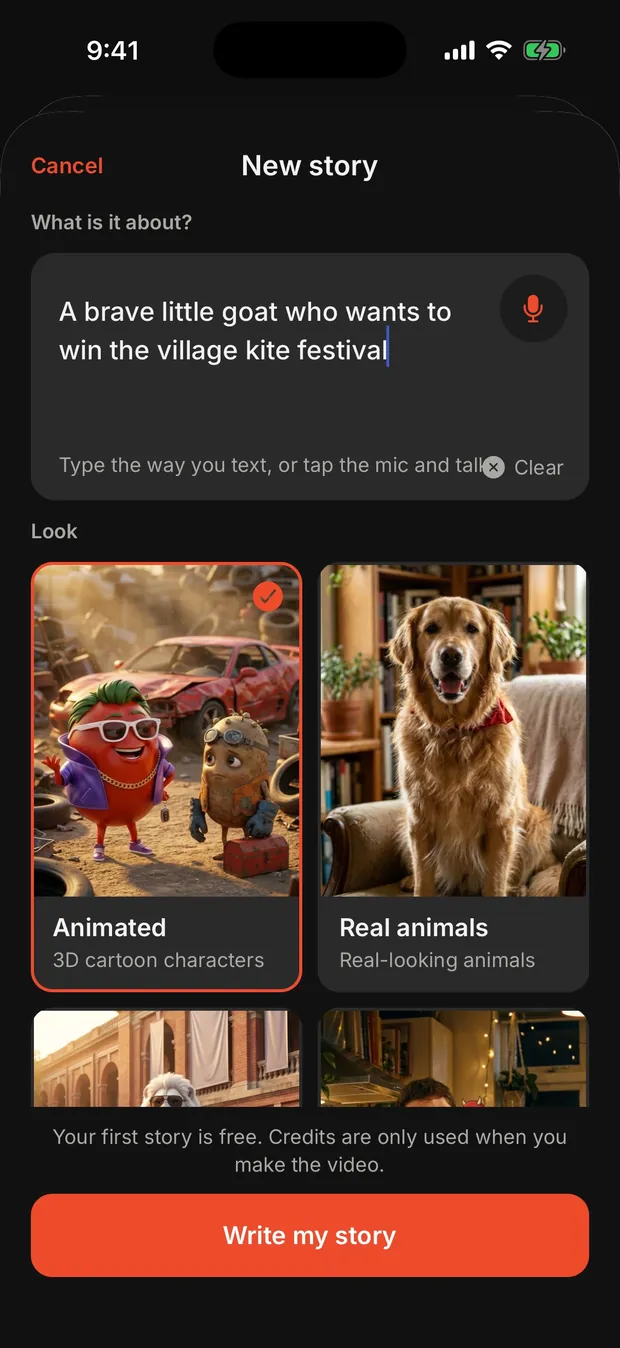
The best ideas have three things: a hero we feel for, something they want badly, and a rival or problem that stands in the way. Small, specific worlds work better than big vague ones. “A clever bunny tricks a greedy fox who steals the village children's mangoes” gives the AI a hero, a villain, a place and a goal. “A story about friendship” gives it nothing to work with.
You can type the idea or just say it out loud. If you are stuck, start from one of the ready-made story ideas and change it to make it yours.
Step 2: Let the AI write the series in parts
A series is not one long video. It is 2 to 5 short parts. Each part ends on a cliffhanger so people come back for the next one, and the last part ends the story properly. This is the format that works on Reels and Shorts: a viewer who liked part 1 goes to your profile looking for part 2, and that is how a small account grows.
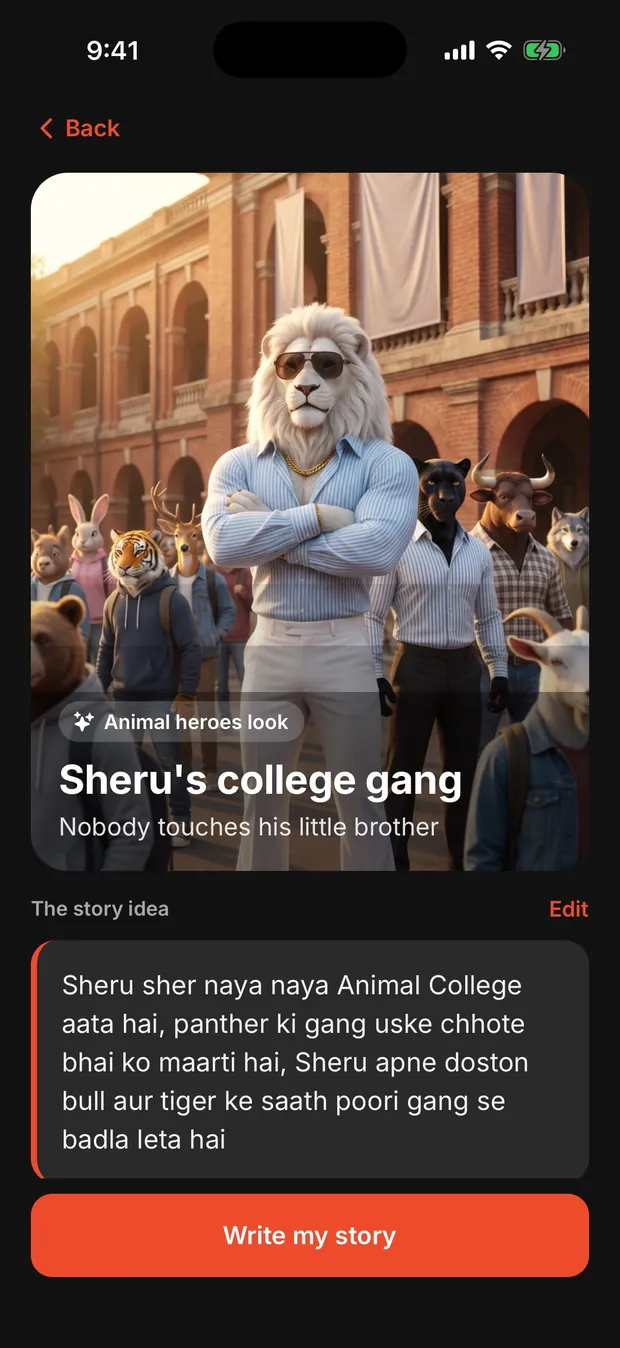
In Toon Series the story is written in a few seconds and costs nothing. Read it. If a part feels slow or a character feels wrong, ask for a rewrite before anything else is made.
Step 3: Meet your cast and keep their faces the same
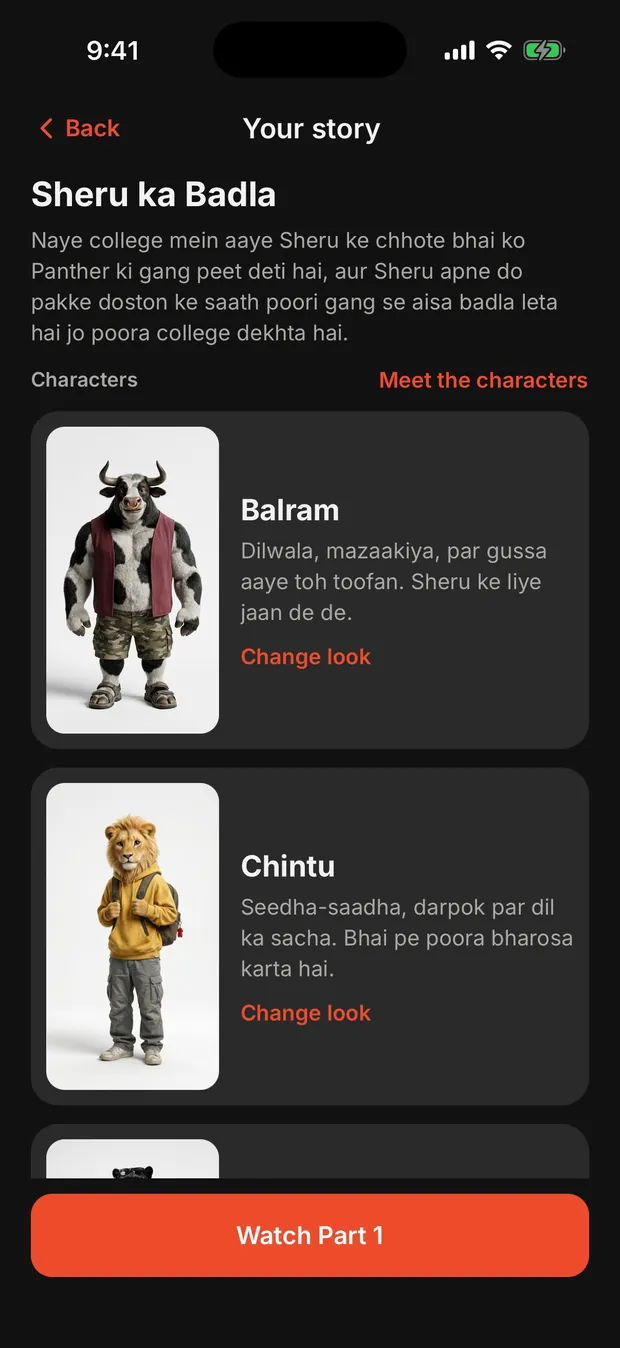
The biggest problem with AI video is that characters change from clip to clip: a different face, a different shirt, sometimes a different animal. A series falls apart when that happens. The fix is to draw every character once, as a reference picture, and use that same picture for every scene. Toon Series does this automatically: each character gets a picture with their face, body and outfit, and every scene in every part is drawn from it. You can redraw a character you don't like before any video is made. More on this in how to keep the same character in every AI video.
Step 4: Plan the scenes like a director
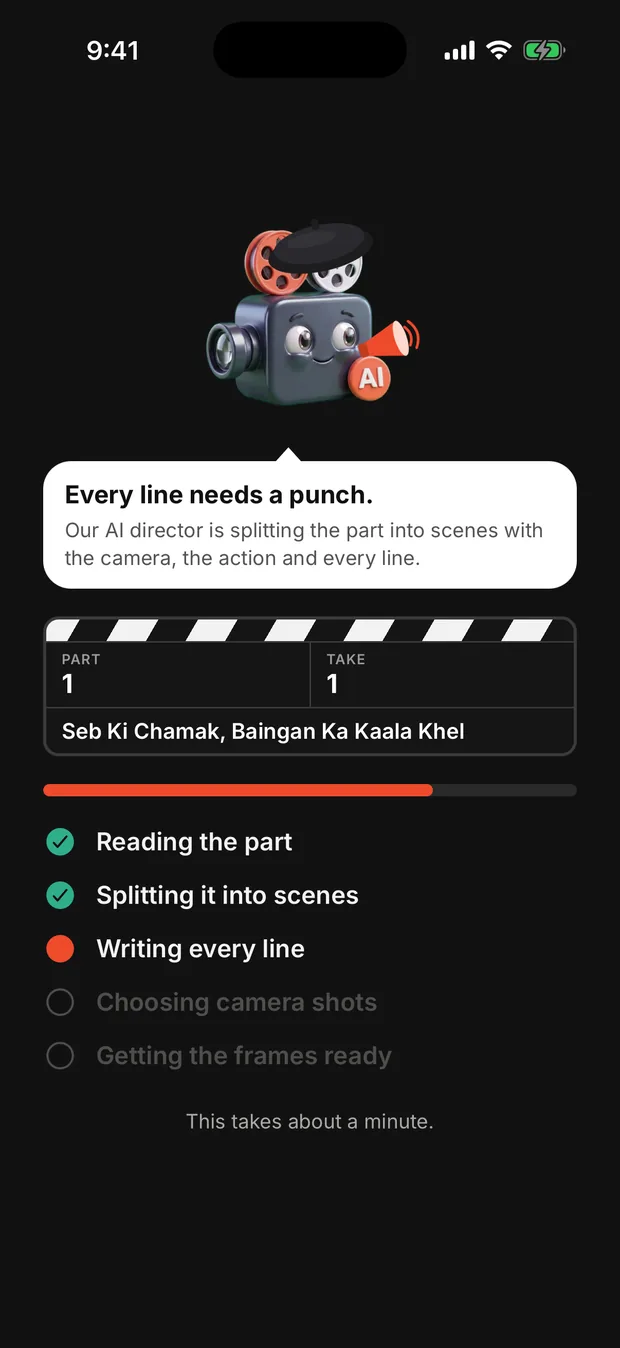
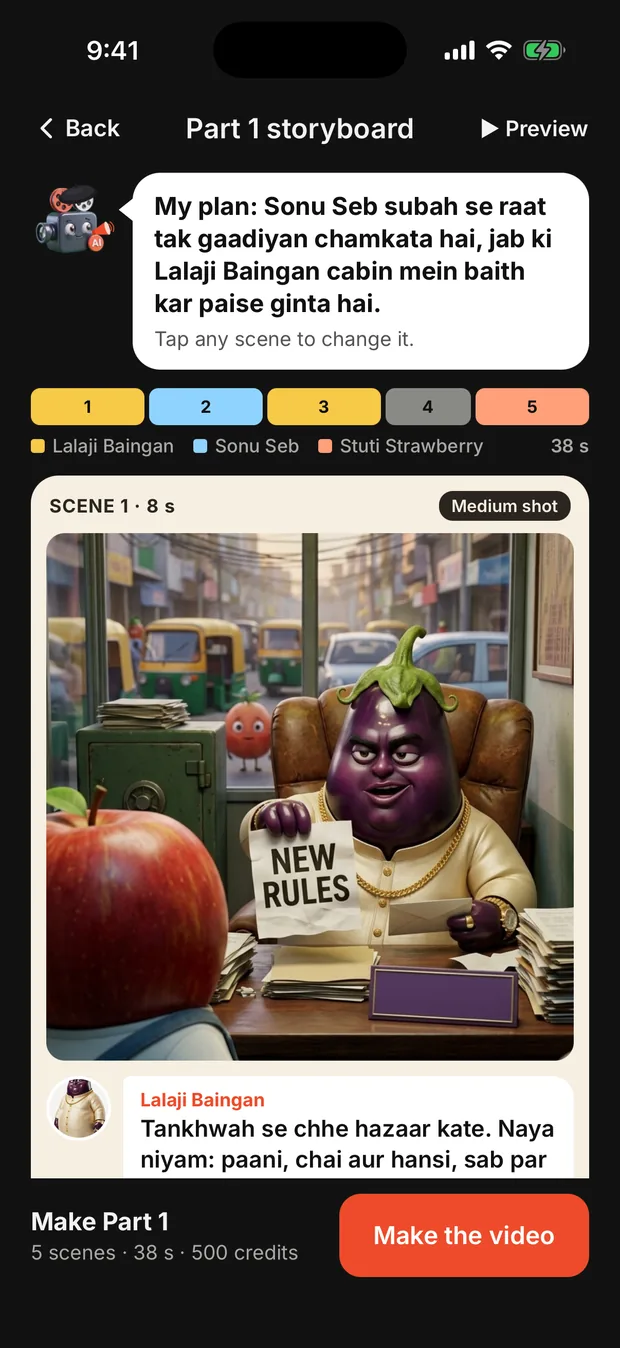
Each part is split into 5 to 10 scenes of up to 8 seconds each. A good plan mixes close-ups (for jokes and emotion), medium shots (for conversations) and wide shots (to show where we are), and gives the listener a reaction shot when something big is said. Every scene has one speaker and one line, so the lips match the words.
In the app this is the storyboard: you see every scene before anything is made, with who speaks, what they say and how the camera frames it. Change any line in one tap.
Step 5: Preview it for free
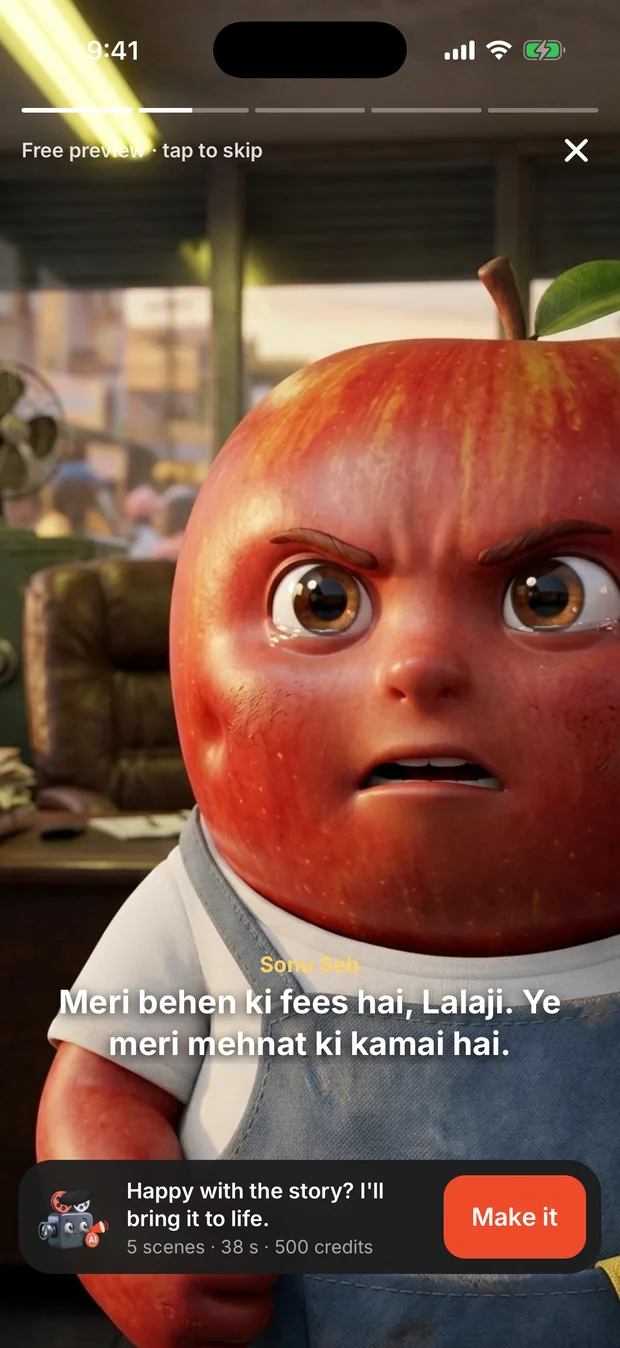
Before spending anything, play the storyboard like a slideshow with the lines as captions. It takes 30 seconds and it is the best moment to catch a weak joke or a scene that doesn't make sense. Fixing a line here is free; fixing it after the video is made is not.
Step 6: Make the videos
Now the scenes are filmed one by one with an AI video model, with the voice, the lip movement and the acting in the same clip. You can choose the quality per part:
- Standard (Google Veo 3.1 Lite, 720p): great for daily posts, 100 credits a scene.
- HD (Google Veo 3.1 Fast): sharper picture and smoother motion, 250 credits a scene.
- Ultra (Google Veo 3.1, 1080p): cinema quality, 600 credits a scene.
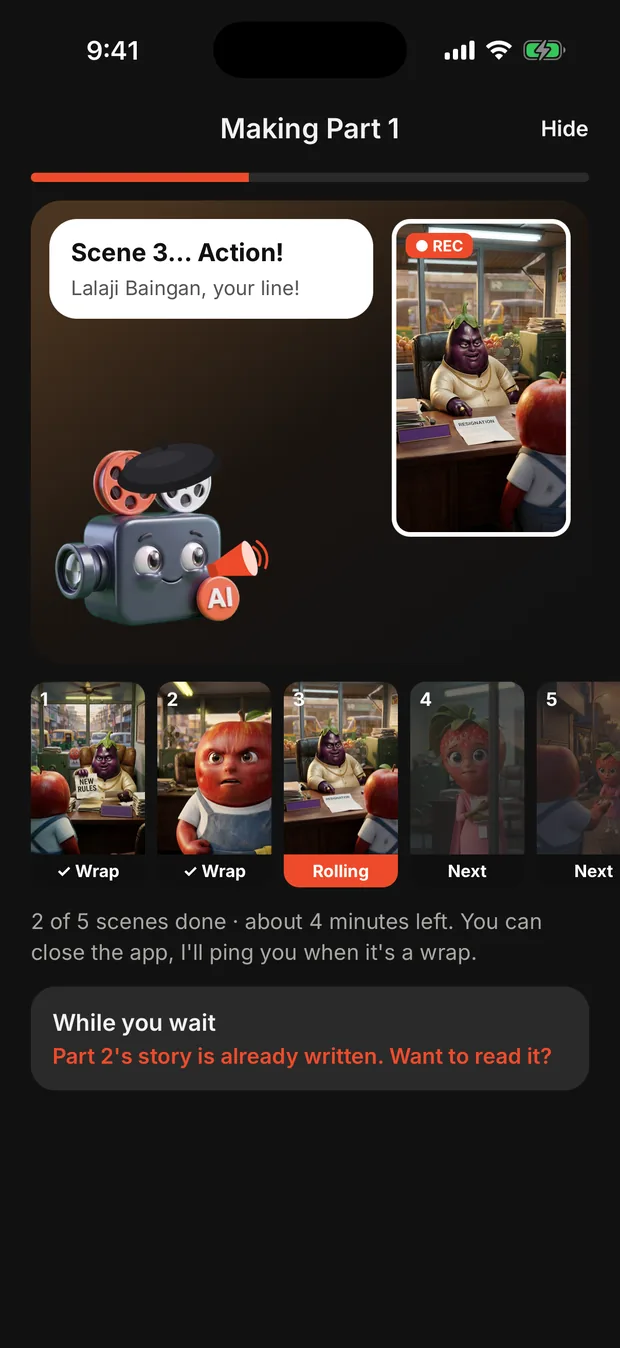
Each scene is checked automatically for the right words and the right characters. If a scene fails, its credits come back. You can close the app; you get a notification when the part is ready.
Step 7: Post it
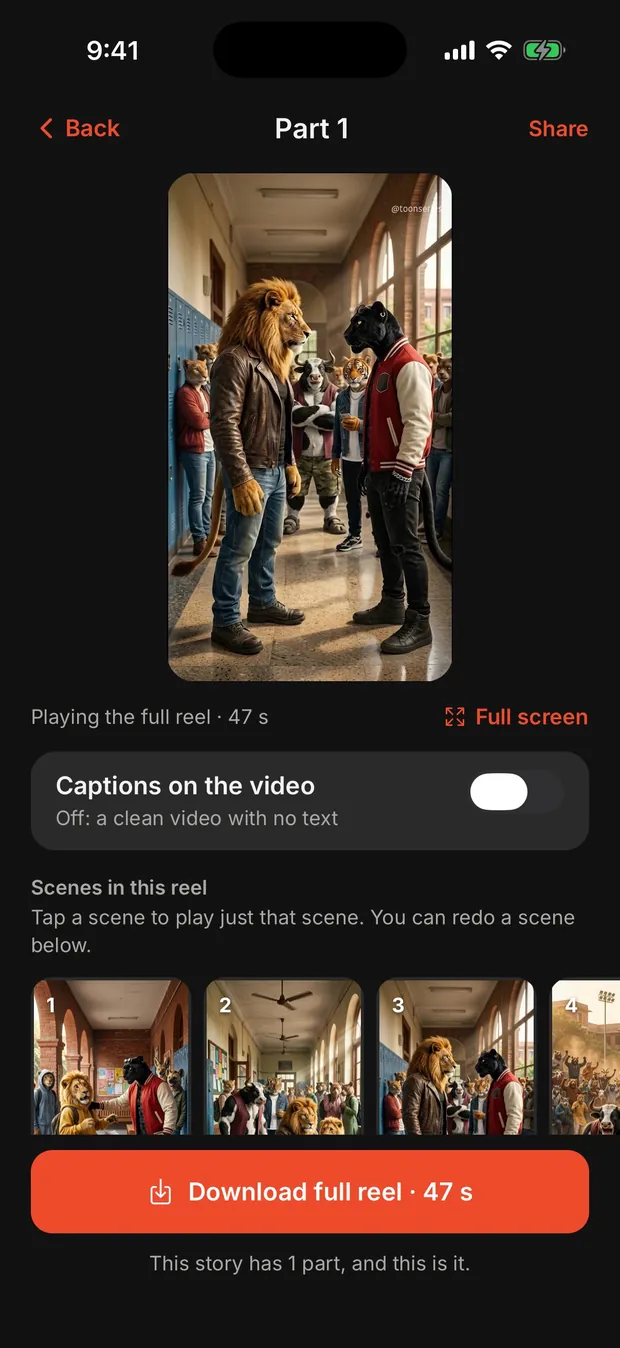
Each part comes out as one vertical 9:16 video, 40 seconds to over a minute long, with captions burned in. Download it in one tap and post it to Instagram Reels, YouTube Shorts or TikTok. Post the parts a day or two apart, say “Part 2 tomorrow” at the end, and pin part 1 to your profile.
See what comes out
These reels were made in the app, untouched. Under each one is the exact idea that was typed.
Tips that make the biggest difference
- Start with a conflict in the first 3 seconds. People decide in the first moment whether to keep watching.
- Keep the cast small. Two or three characters are easier to follow than six.
- Give every character a clear want. The onion wants to save his field; the potato wants the gold.
- Use your own language. A Hindi joke lands better in Hindi than in translated English.
- End every part on a question. “Who left the footprints?” brings viewers back.
Make your first one free
Your first story is free: the whole series written and the cast drawn. On iPhone.
Questions
Can I make a cartoon series with AI for free?
In Toon Series your first story is free: the AI writes the whole series and draws the characters. Making the videos needs a plan, starting at $9.99 a week.
How long does it take to make one part?
Writing the story takes seconds. The videos for one part (5 to 10 scenes) usually take a few minutes to about 15 minutes. You can close the app and get a notification.
How many parts can a series have?
2 to 5 parts. Each part ends on a cliffhanger and the last part ends the story.
Do I need any drawing or editing skills?
No. You write or say the idea; the story, characters, scenes, voices and captions are made for you, and you can change any line before the video is made.